
UnCloud Today with an AI That YOU Own
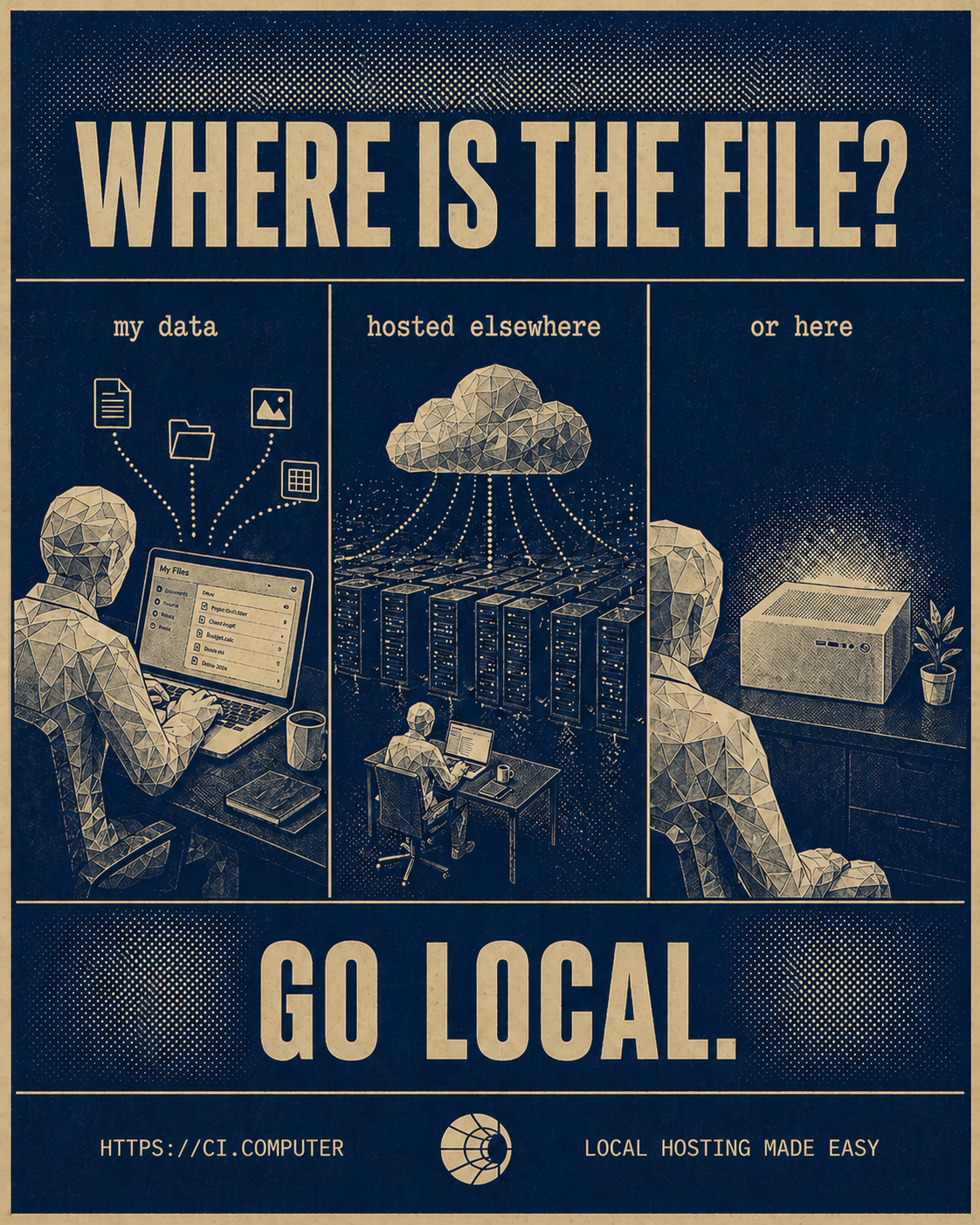
What Data Leaves Your Device When You Use Apps On A Self-Hosted Server?
Self-hosting keeps the important content on hardware you control: files, photos, messages, and AI prompts. But some network traffic still leaves, including DNS lookups, certificate checks, time sync, app updates, push notifications, and federation metadata. This guide explains what stays local, what still leaks, and how to reduce it by changing the architecture.
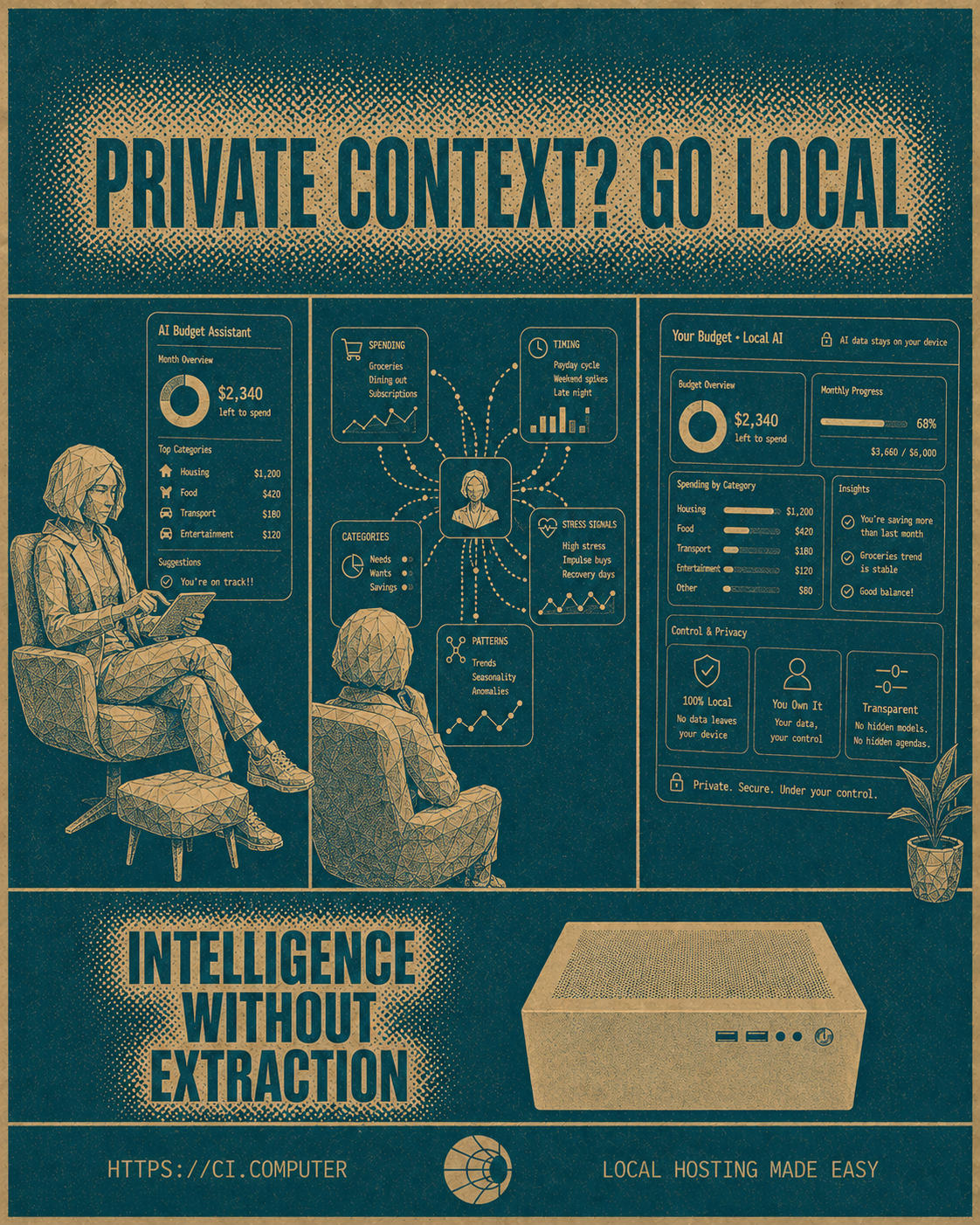
Protecting Your Family’s Information
A family can move photos, files, passwords, contacts, and calendars off the cloud and onto hardware they own without learning to code. This guide explains what self-hosting looks like in 2026, which apps replace cloud services, what “no coding” really means, and where Companion Hub removes the terminal entirely.

Save On Subscription Costs with a Self-Hosted Server
Cloud subscriptions can be replaced with self-hosted alternatives in 2026, from Google Drive, Dropbox, Notion, 1Password, Zoom, DocuSign, and Google Photos to tools like Nextcloud, Immich, AppFlowy, AFFiNE, VaultWarden, Jitsi Meet, Documenso, and Home Assistant. It positions Companion Hub as the easier path to self-hosting by offering one-click installs, helping users reduce recurring app costs while keeping more data under their own control.
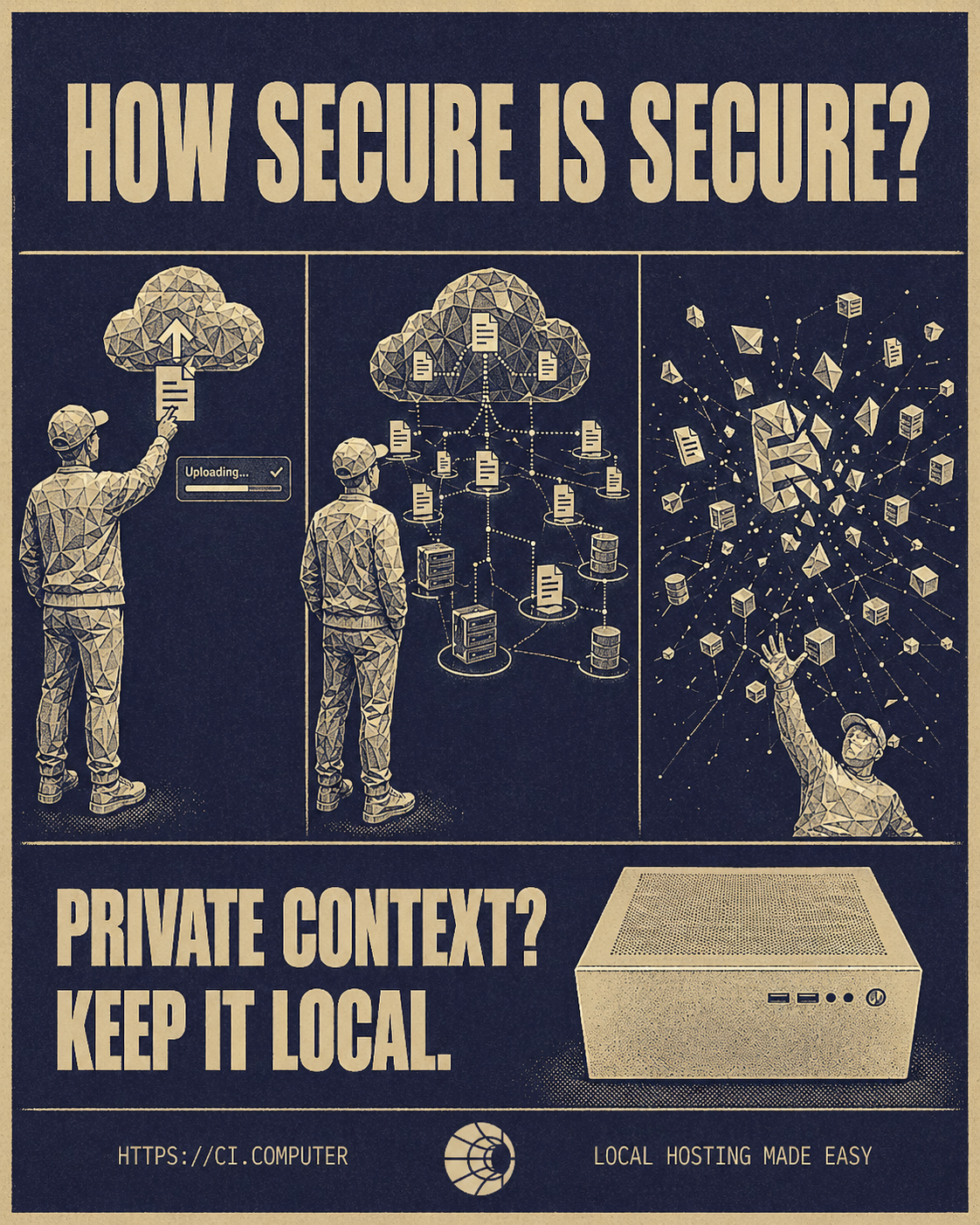
Is A Personal AI Server Worth It?
A personal AI server is worth it when you use AI often, handle confidential client data, or want local control. This post explains what non-developers can actually do with local AI, when the cost math works, and where cloud AI still wins today for people who aren’t developers.