Docker
Docker is installed and running. Companion Hub apps run as containers on the machine.



Companion OS
Companion OS is the Linux system that runs a Companion appliance. On first start it sets up Docker, local AI models through Ollama and Companion Hub, so the machine can hold your memory and run your apps at home.
In beta. Testing so far has run in virtual machines.
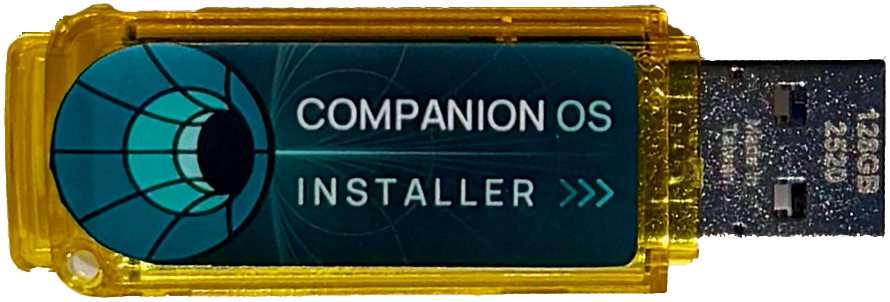
What it sets up
Companion OS installs a base system with the pieces the appliance needs. The first start finishes the setup.
Docker is installed and running. Companion Hub apps run as containers on the machine.
Ollama is set up with two small local models, pulled on first start. AMD machines with unified memory and at least 30 GB of RAM also get a larger model.
Companion Hub is installed and waits at its pairing screen. With no working network connection, the machine opens its own Wi-Fi hotspot and a setup page, so no keyboard or monitor is needed.
Install
Four steps. Two of them erase a drive, so check the target before you start.
Your Companion contact provides the image for your hardware. Check it against SHA256SUMS before you use it.
 02
Write the image to a USB stick. This erases everything on the stick.
Start the machine from the stick and install. This erases the target disk.
Docker, the local models and Companion Hub are set up. Pair the machine in Companion Hub, or use its hotspot.
Planning numbers from the install guide. Allow 64 GB or more if the machine also downloads AI models.
First run
Two frames from a recording of the first run in a virtual machine. No run on physical hardware is recorded yet.
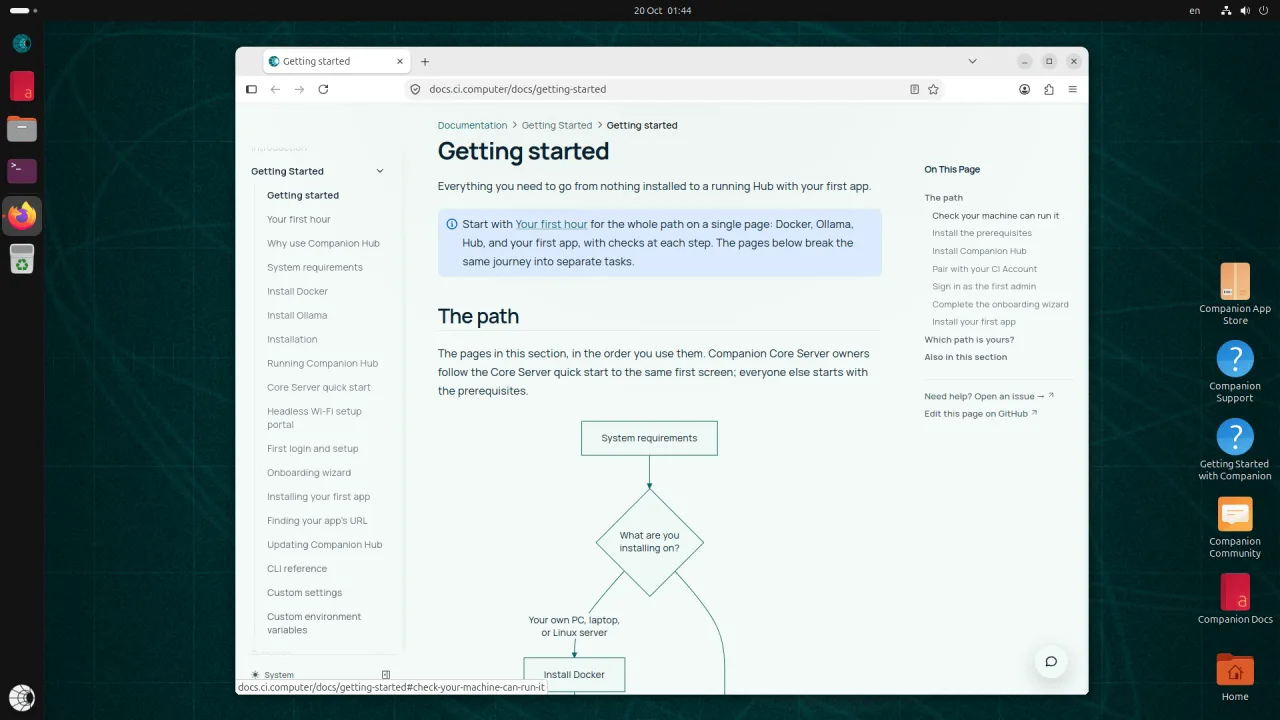
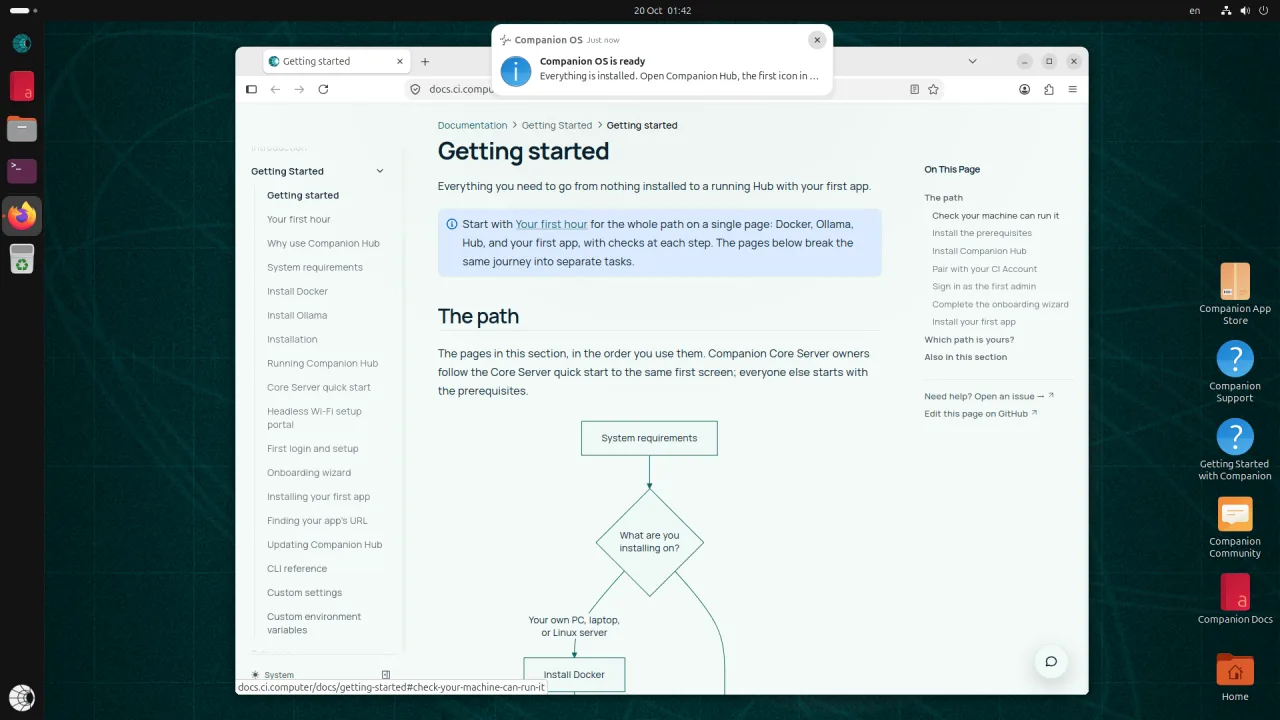
Frames from a recording made in a virtual machine (QEMU), not on physical hardware.
Editions
Both editions are in beta. They differ in base system, architecture and installer.
| Companion OS | Ubuntu edition | Plasma edition |
|---|---|---|
| Base | Ubuntu 26.04.1 LTS with the GNOME desktop | KDE Plasma 6 |
| Architectures | amd64 and arm64 | x86-64 |
| Installer | Canonical’s installer, plus an automatic Companion install | Calamares, online only |
| Companion Stick | Yes, on amd64 | Not yet |
Status
Companion OS is in beta. Your Companion contact provides the images for now, and neither edition has a public download yet. Testing has run in virtual machines. No install on a physical PC is recorded yet.
Details
The full guides are in the Companion docs.
Write the image, start from the stick and install.
Disk, memory and which image fits your machine.
Use the Wi-Fi hotspot on a machine with no keyboard or monitor.
What the machine does in its first minutes, and what to set next.
Find what you see and what it means.
How the public Companion systems connect.